Switch between light and dark mode
Switch the app between light and dark, and change your analytics cookie choice.
Rankticker starts in light mode. There are two ways to switch:
- Click the moon button in the top bar to toggle light and dark.
- Go to Settings → Appearance and choose Light or Dark.
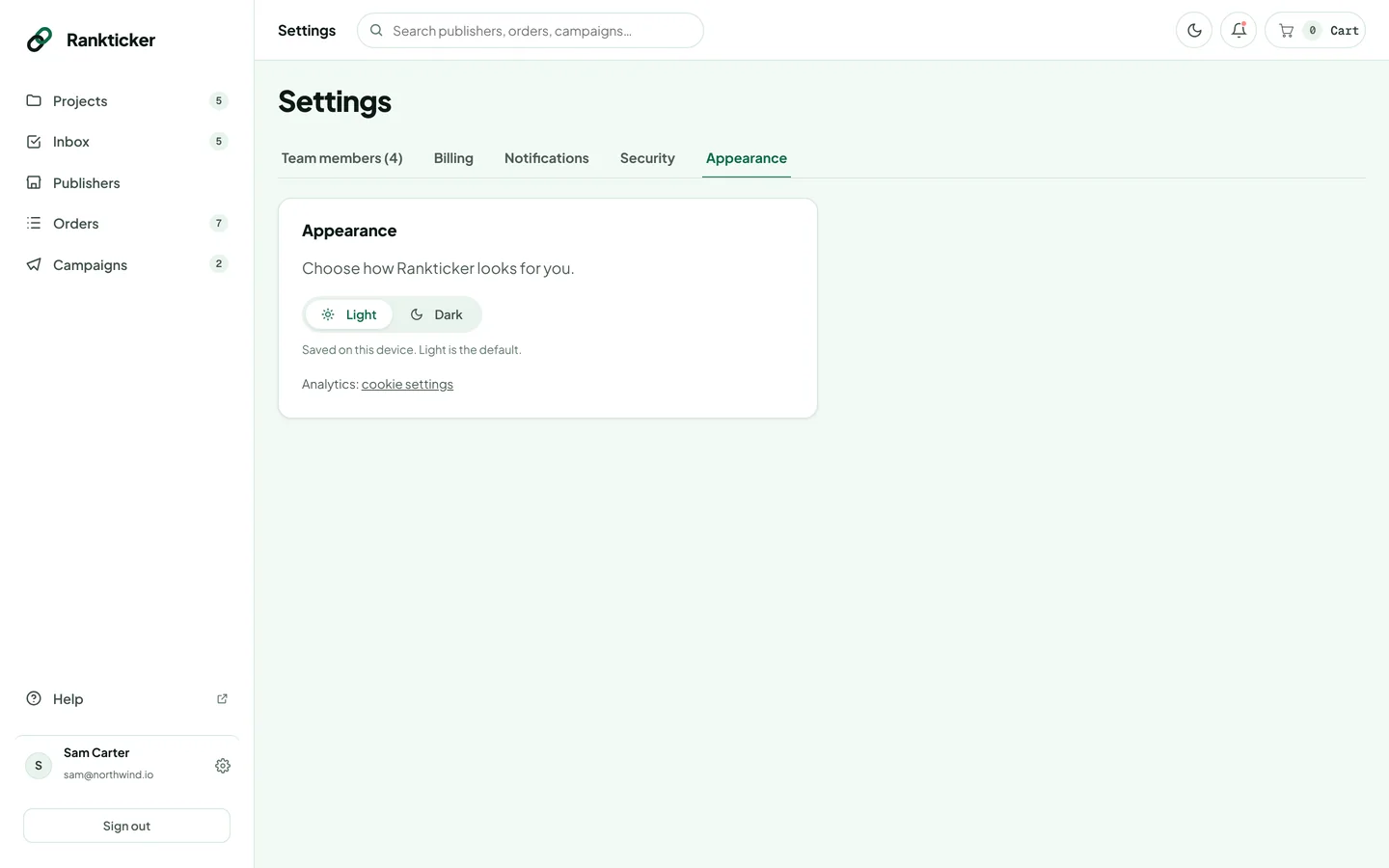
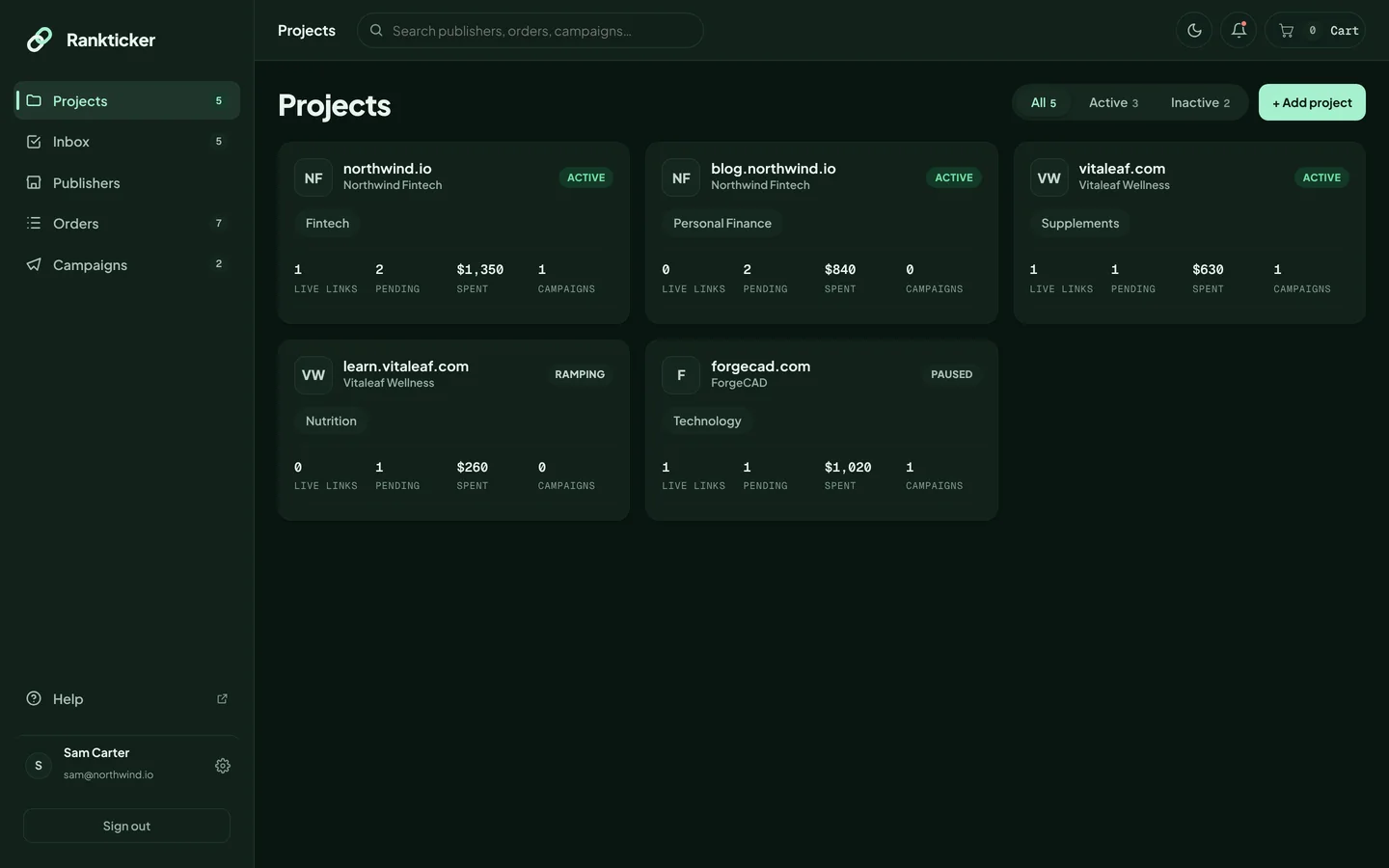
Your choice is saved on this device and browser, so you can use dark mode on your laptop and light on another computer.
Cookie and analytics settings
We only use analytics cookies if you accept them. To change your choice, click cookie settings on the Appearance tab (or Cookie settings in the website footer). Read the cookie policy and privacy policy.
Was this article helpful?
Thanks for letting us know.
Sorry about that. Tell us what was missing at hello@rankticker.com and we'll improve it.