Pay for your order
Checkout sections 2 and 3: confirm billing details, pick card, Apple Pay or Google Pay, accept the terms and place the order.
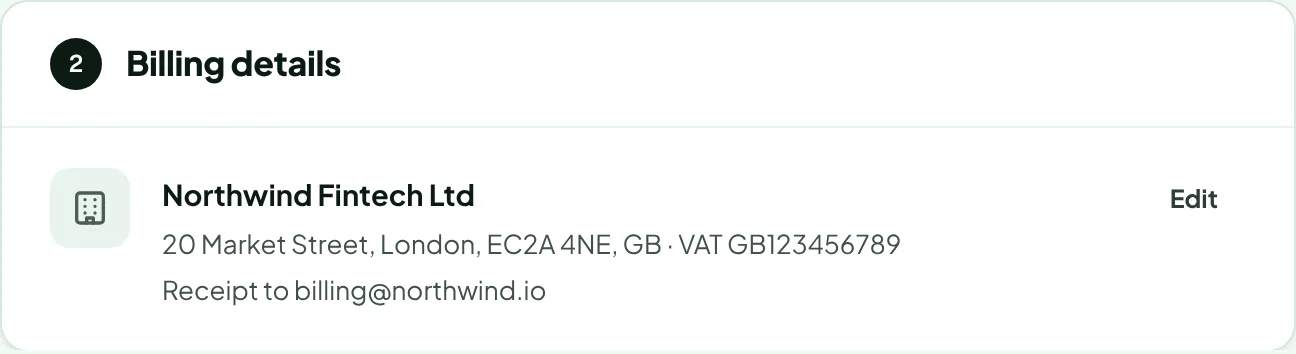
Section 2: Billing details
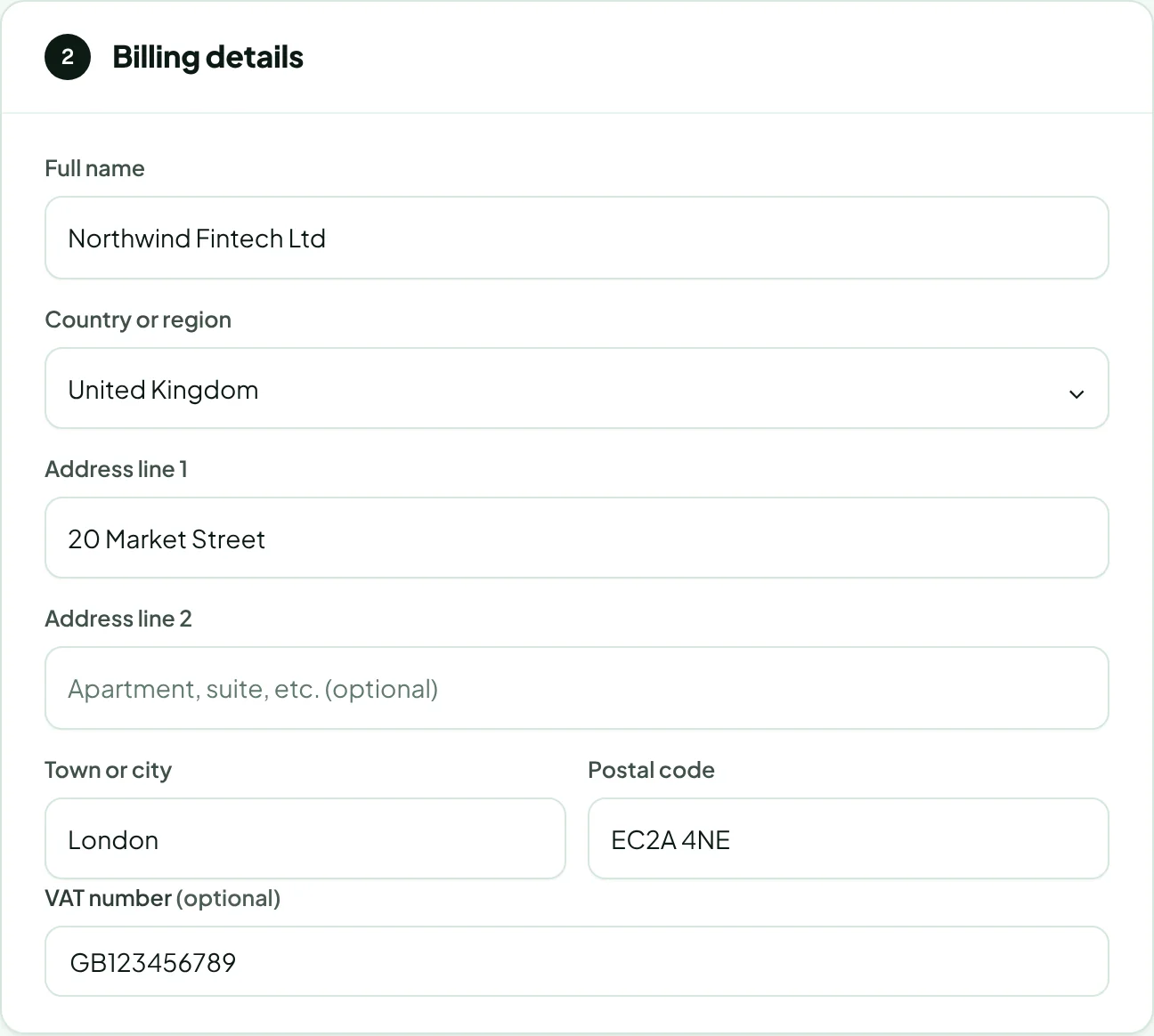
The first time you pay, enter the billing name and address, and a VAT number if you have one (optional). These go on your receipt. Next time, your saved details are shown; click Edit to change them for this order.
Section 3: Payment
Choose how to pay:
- Card: Visa, Mastercard or American Express. Enter the card in the secure fields.
- Apple Pay: available in Safari on an Apple device with Apple Pay set up.
- Google Pay: available when Google Pay is set up in your browser.
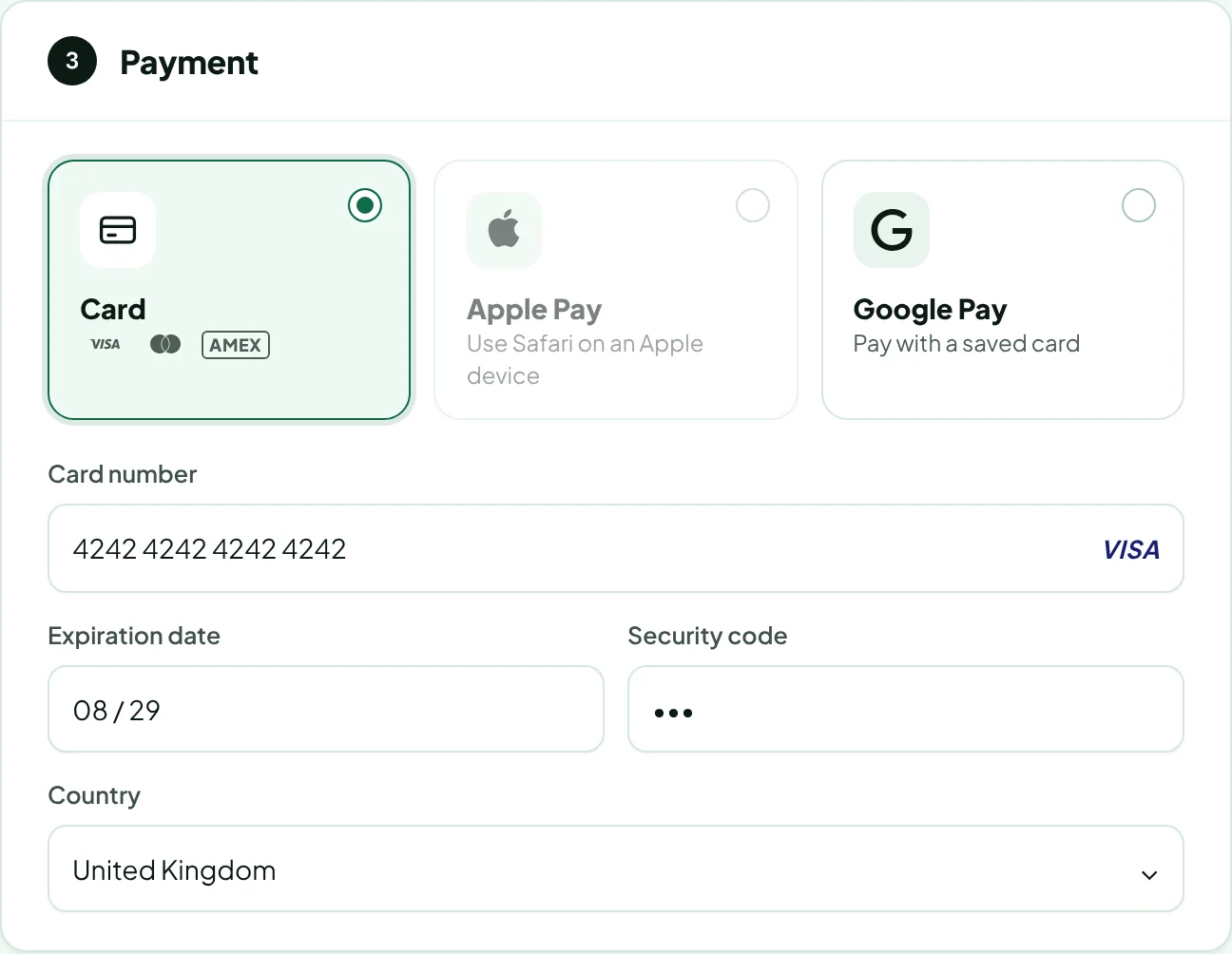
Card details go straight to our payment provider, Stripe. Rankticker never sees or stores your card number.
Place the order
Check the order summary: each placement with its options, any discount, VAT and the expected delivery dates.
Tick I accept the terms and conditions.
Click the Order button, which shows the total. If you chose Apple Pay or Google Pay, use the wallet button that appears in its place under the summary.
Your bank may ask you to confirm the payment (3-D Secure). Afterwards you're brought back to Rankticker, with your cart intact.
When the payment goes through you'll see Order received, and we email you a confirmation and a receipt. See What happens after you order.
If something goes wrong
| You see | What to do |
|---|---|
| The payment didn't go through | No money was taken. Go back to checkout and try again, or use another card. |
| Order received, payment processing | Your bank is still confirming. Your orders start as soon as it clears and appear under Orders. |
| Prices changed since you added these placements | A publisher changed a price. The new total is shown; press Order again to confirm it. |
| We couldn't check the payment | Click Check again. If you were charged, your orders still start; nothing is lost. |
| Card payments are coming soon | Payments are temporarily unavailable. Email hello@rankticker.com with the publishers in your cart and we'll send an invoice. |
Thanks for letting us know.
Sorry about that. Tell us what was missing at hello@rankticker.com and we'll improve it.