Read a publisher's metrics page
Every publication has its own pages for traffic, audience, authority, backlinks, outbound links, content and AI visibility. Here's what each one tells you.
Open a publication by clicking its card in Cards view, or Open full metrics page → in a list row's preview. A second sidebar lists them, grouped the way an experienced link builder works through a site before buying.
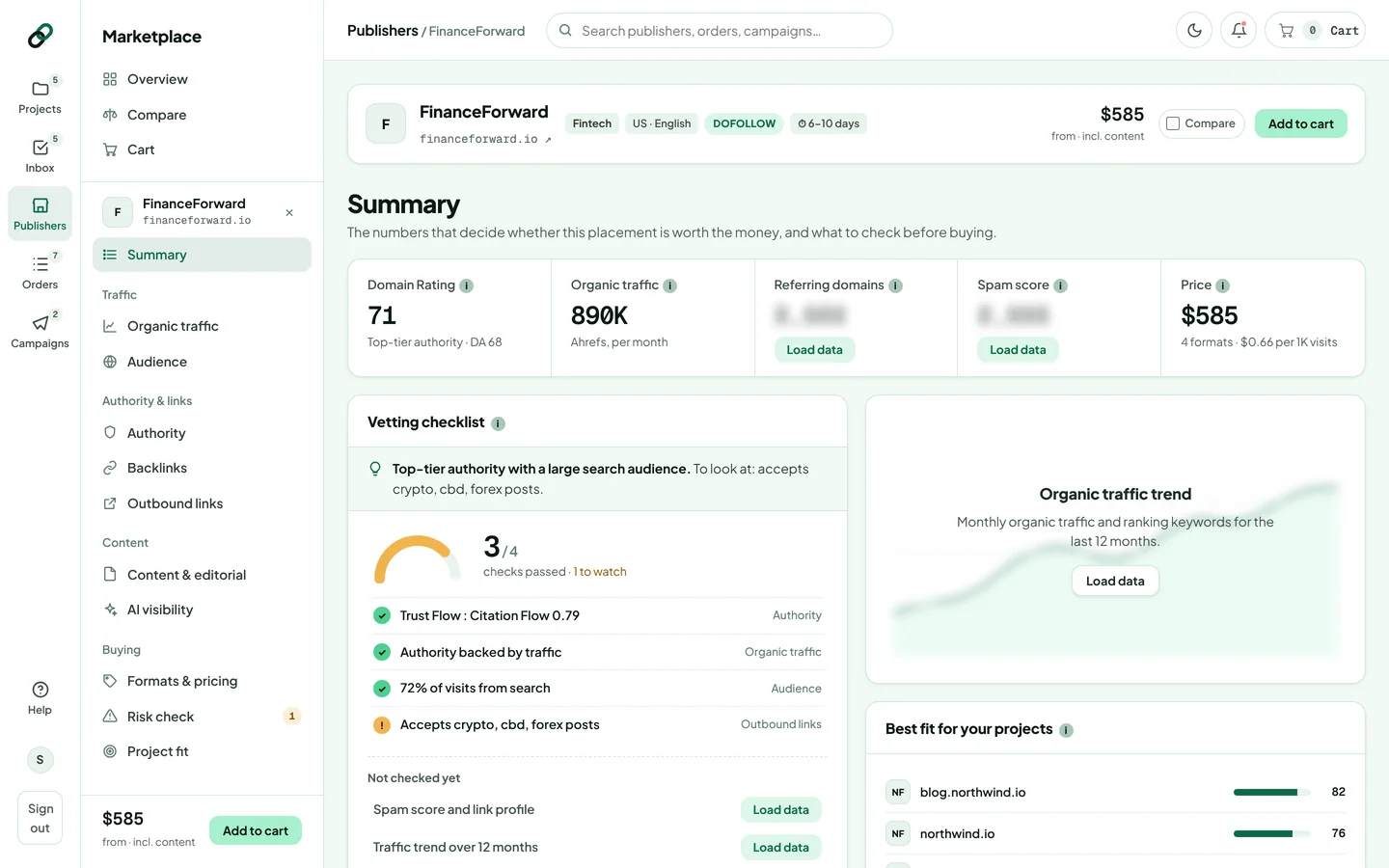
The identity bar
At the top: the name, the domain (click it to open the site in a new tab), category, country and language, link type, turnaround and the starting price. A Verified owner label means the publisher proved they own the site. Tick Compare or click Add to cart from here.
The data pages
| Page | What it answers |
|---|---|
| Summary | The numbers that decide whether the placement is worth the money, and what to check before buying. |
| Organic traffic | How much search traffic the site earns, where the trend is heading and how much depends on a few keywords. |
| Audience | Visitor countries, the channels they arrive from and how much search traffic is branded. |
| Authority | Third-party authority scores, trust vs. citation balance and how established the domain is. |
| Backlinks | The site's own link profile: referring domains, growth and the dofollow share. |
| Outbound links | Who the site links out to. A crowded or grey-niche outbound profile dilutes your link. |
| Content & editorial | What the site publishes, which pages earn its traffic, and how long and link-heavy its articles are. |
| AI visibility | Whether AI assistants and AI search mention the publication. See the AI badge. |
| Formats & pricing | Every format with its price and terms. See Formats, prices and placement terms. |
| Risk check | Every quality and risk signal. See Run a risk check. |
| Project fit | How the site fits each of your projects. See Check project fit. |
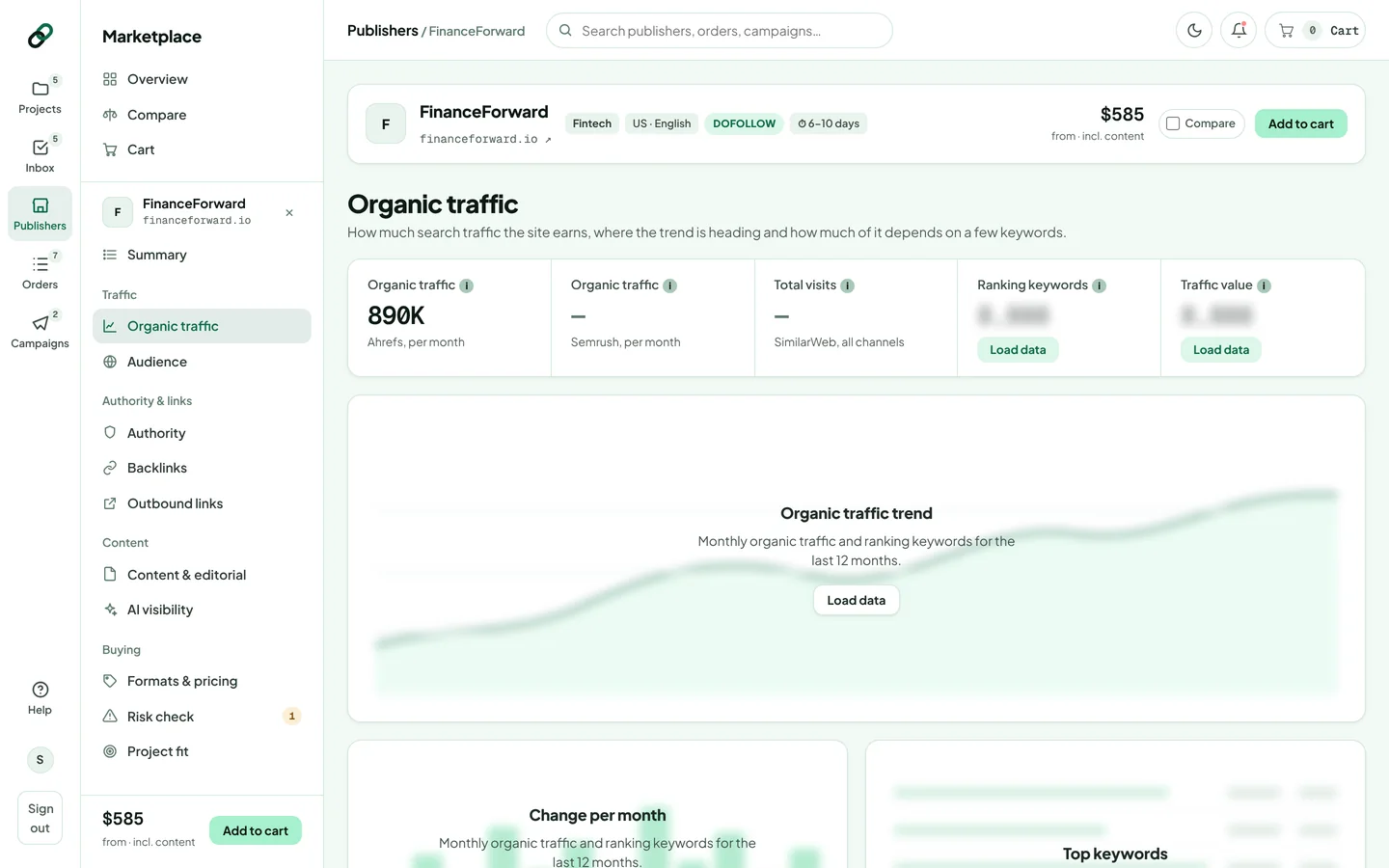
“Load data” buttons
Some numbers (organic traffic history, keywords, the backlink profile and history, a content audit, indexed pages and AI mentions) are fetched on demand. Where you see Load data, click it to fetch the figures for that block. Each block shows its data source and when it was last updated. If you load a lot of data in one day, you may be asked to try again the next day.
Some listings show “Metrics are self-reported”: the publisher entered DR and traffic themselves. Ownership is verified, but those numbers aren't independently measured yet. Compare them with your own SEO tool before buying.
Thanks for letting us know.
Sorry about that. Tell us what was missing at hello@rankticker.com and we'll improve it.