Comment on an order
Use the comment thread on an order to give context, answer questions from the writer or publisher, and keep everything in one place.
Every order has a Comments thread shared between you, the writer and the publisher. Each message shows who wrote it and when.
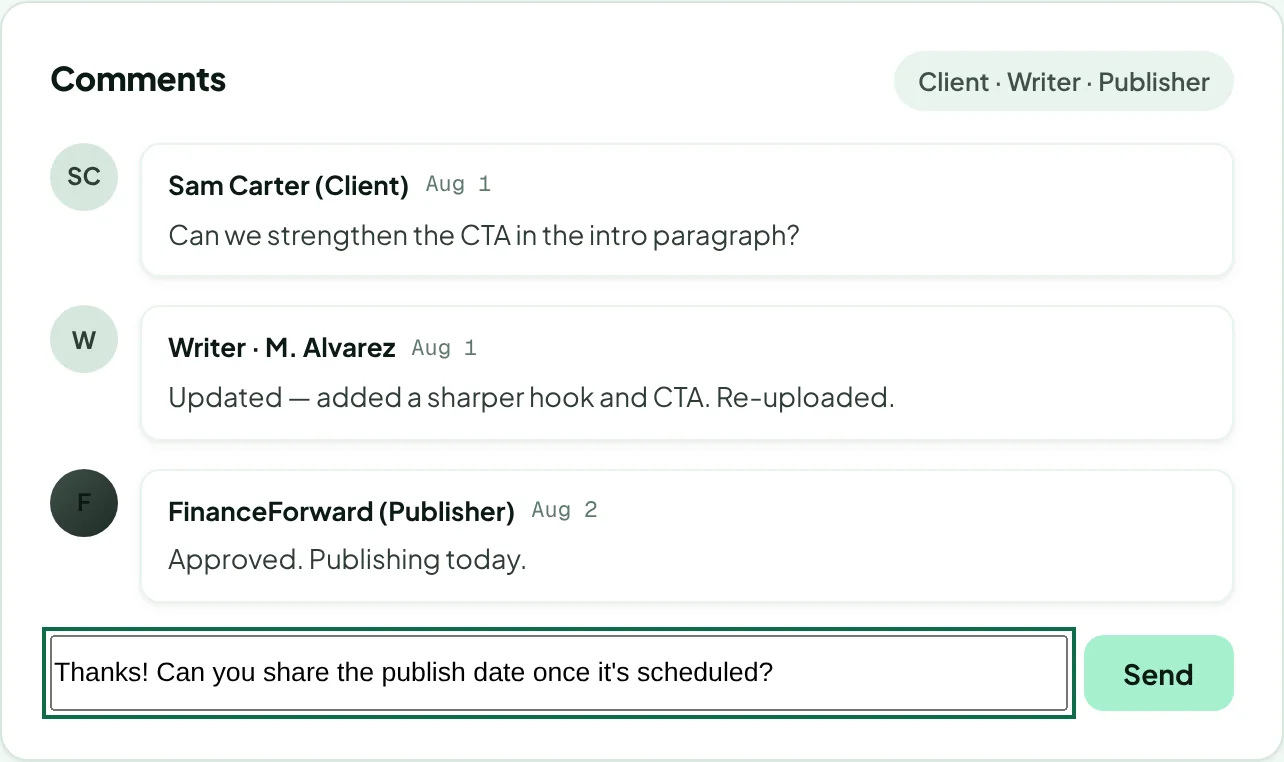
Open the order and scroll to Comments.
Type your message in Leave a comment and click Send.
Comments are synced to the article's Google Doc, so the writer sees them where they work. Keep each comment under 4,000 characters.
Use comments for questions and small changes. For a rewrite, use a revision request so it's tracked against what your order includes.
Was this article helpful?
Thanks for letting us know.
Sorry about that. Tell us what was missing at hello@rankticker.com and we'll improve it.