A quick tour of the Rankticker app
What each part of the app does: the sidebar, the cart, settings and the Help link, so you know where to find things.
Everything in Rankticker is organised around projects: the websites you build links to. Orders and campaigns always belong to a project, and each project tracks its own rankings, backlinks and AI visibility.
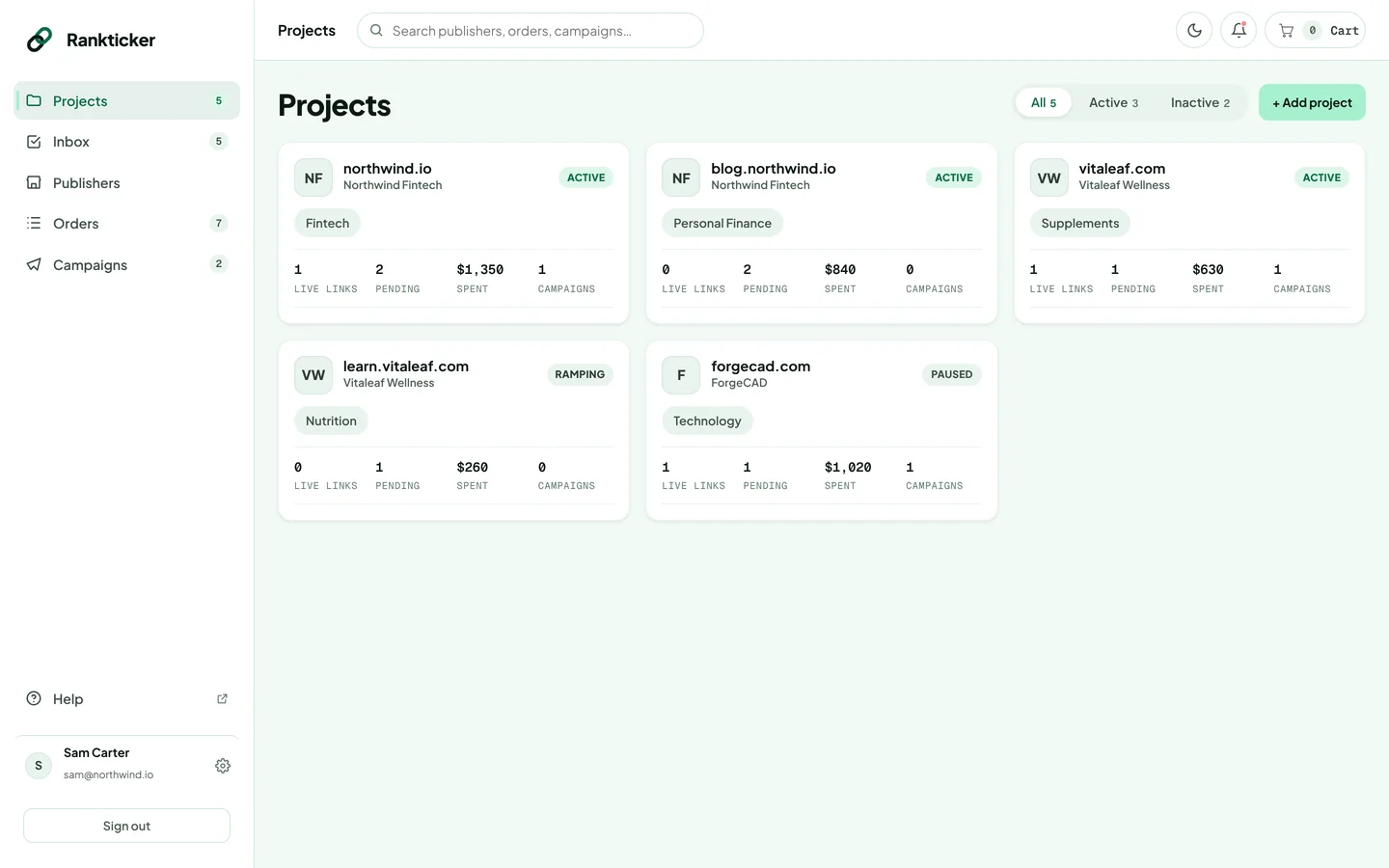
The sidebar
| Area | What it's for |
|---|---|
| Projects | Your websites. Open one to see its Overview, Rankings, Backlinks, AI visibility, Orders and Campaigns. |
| Inbox | Everything waiting on you: content to upload, drafts to review, revision notes and campaign picks to approve. See Use your Inbox. |
| Publishers | The marketplace. Search and filter publications, open their metrics and add them to your cart. |
| Orders | Every placement you've bought, with its stage and link health. See Track your orders. |
| Campaigns | Monthly budgets that find and place links for you. See How campaigns work. |
The numbers next to each item are counts: projects, open tasks, orders still in progress and active campaigns.
The top bar
- Search: start typing to see matching projects, campaigns and orders (search by order number, article title, publication or anchor text). Use the arrow keys and Enter to open one, or press Enter straight away to search the Publishers marketplace by name or domain. Ctrl+K (⌘+K on a Mac) jumps to the search box from anywhere.
- Moon icon: switch between light and dark mode (more about appearance).
- Cart: shows how many placements are in your cart and the total. Click it to open the cart. See Add placements to your cart.
The bottom of the sidebar
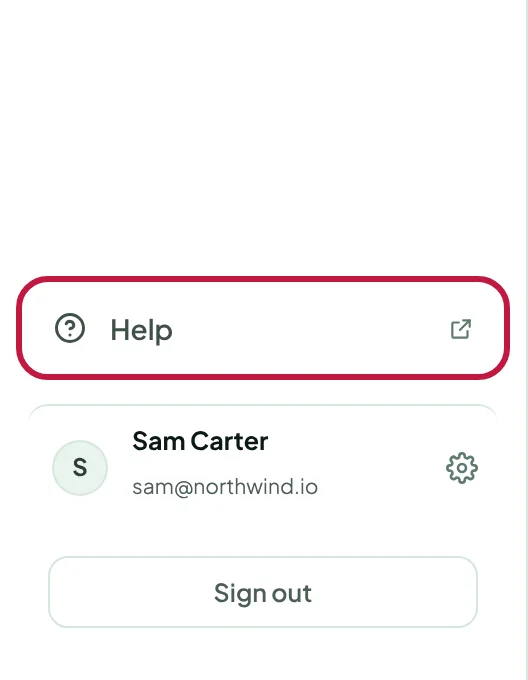
- Help opens this help center in a new browser tab, so you don't lose your place in the app.
- Your name and the cog open Settings: Team members, Billing, Notifications, Security and Appearance.
- Sign out signs you out on this browser.
When you're in the marketplace
Inside Publishers, a second sidebar appears with Overview, Compare and Cart, plus the publishers you viewed recently. On a publisher's page, that sidebar lists its data pages: Summary, Organic traffic, Audience, Authority, Backlinks, Outbound links, Content & editorial, AI visibility, Formats & pricing, Risk check and Project fit. The main sidebar shrinks to icons to make room.
Thanks for letting us know.
Sorry about that. Tell us what was missing at hello@rankticker.com and we'll improve it.