Use your Inbox to see what needs you
Your Inbox collects every task waiting on you, most urgent first: order tasks, campaign recommendations and live links that need a look.
Click Inbox in the sidebar. The number next to it is how many order tasks are waiting. When it's empty, nothing needs you.
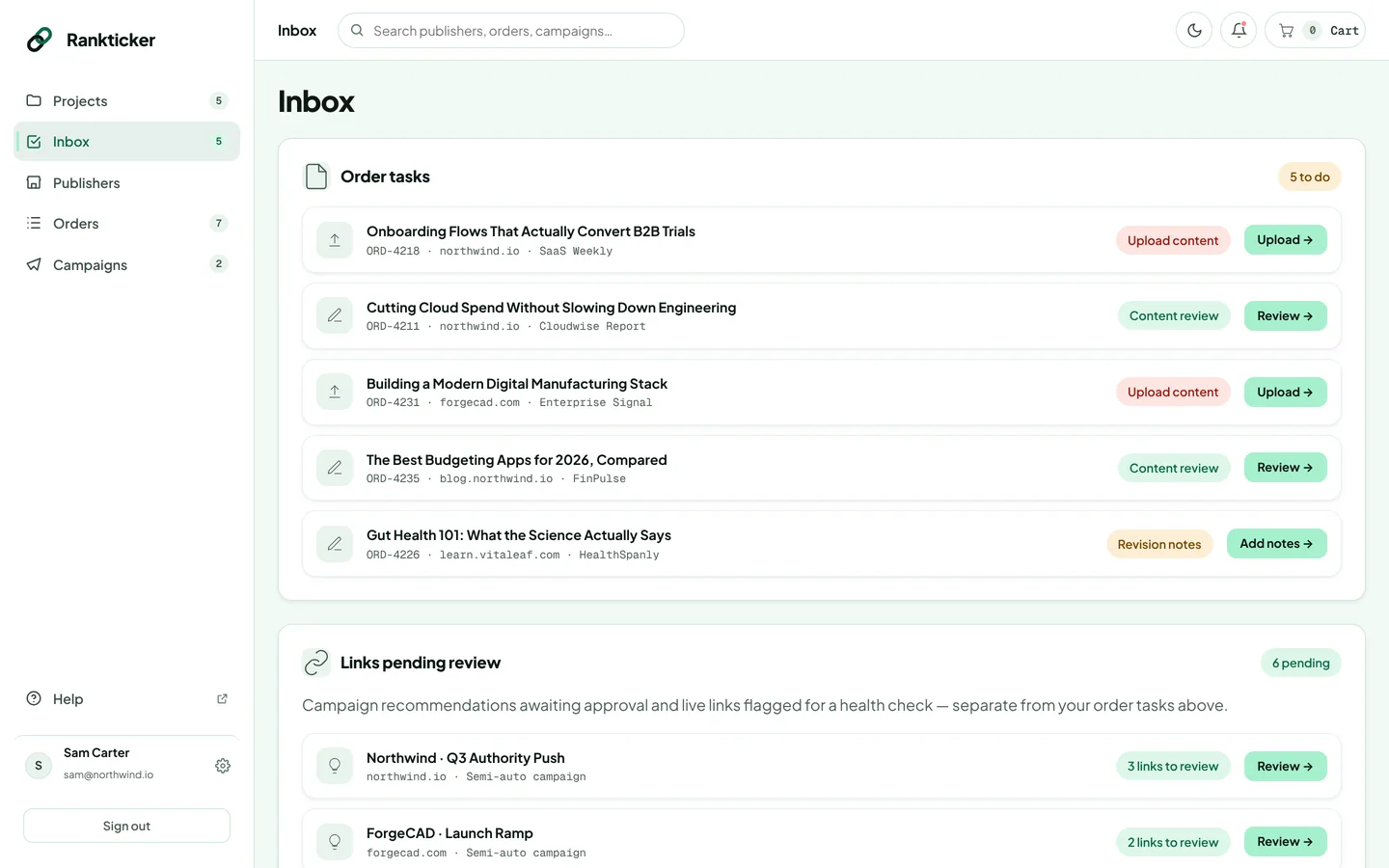
Order tasks
Each task shows the order, its project and publisher, and a button that takes you straight to it.
| Task | What to do |
|---|---|
| Upload content | You chose to supply the article. Click Upload and attach it. How |
| Content review | The draft is ready. Click Review, read it and approve it. How |
| Revision notes | A revision round is open and the writer is waiting for your notes. Click Add notes. How |
Links pending review
Separate from order tasks:
- Campaign recommendations waiting for your approval in Semi-auto campaigns. Click Review. See Review and approve recommendations.
- Live links flagged by the link health check. Click Open to see what's wrong. See Track your live links.
We also email you when content or a review is needed, so you don't have to check the Inbox every day. Manage those emails in Settings → Notifications.
Was this article helpful?
Thanks for letting us know.
Sorry about that. Tell us what was missing at hello@rankticker.com and we'll improve it.