Add placements to your cart
How the cart works: adding publications, picking a format, removing and undoing, and getting to checkout.
Add a publication
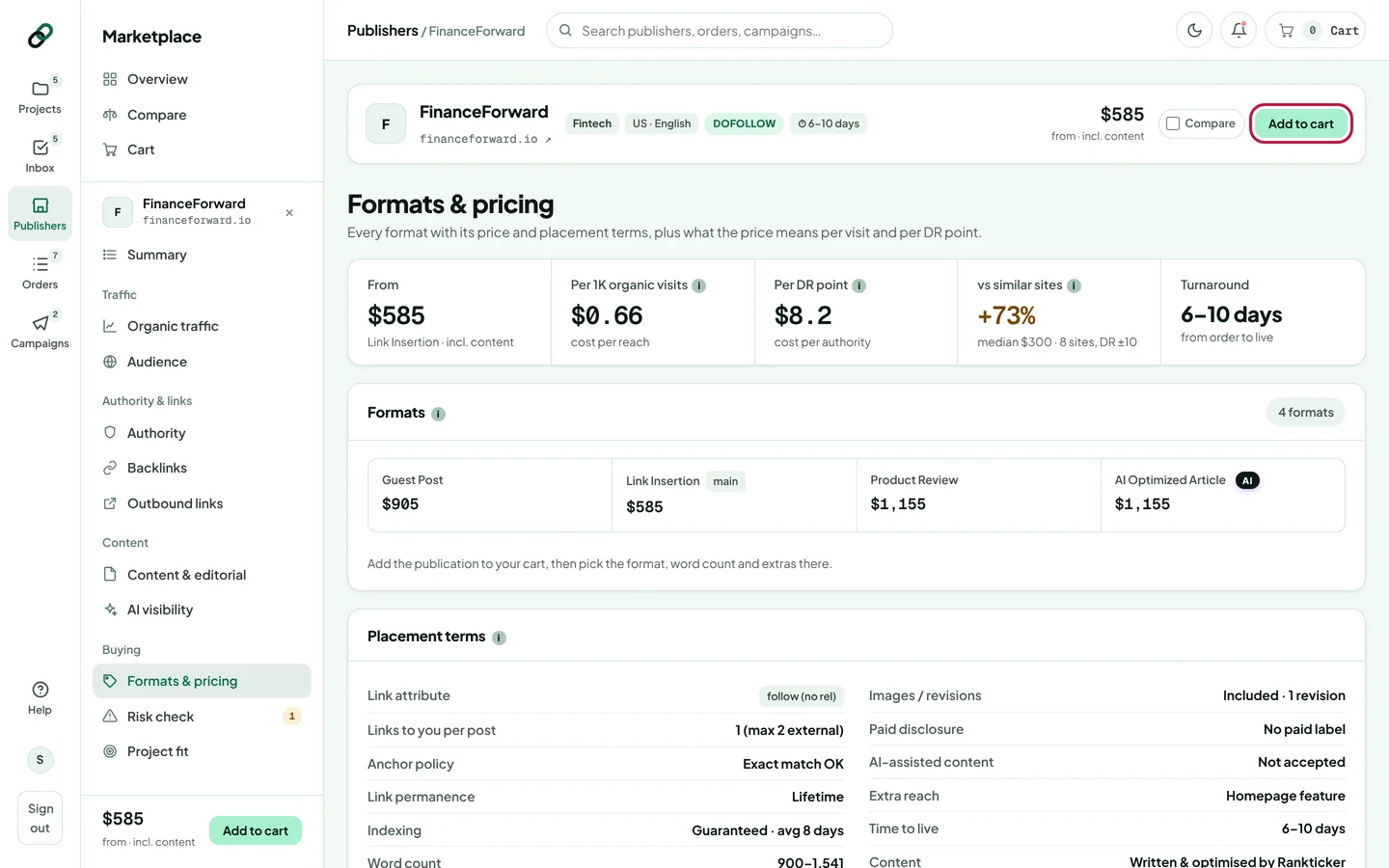
You can add a publication from anywhere you see it:
- Add on a row or card in the marketplace (in a row preview, the format you picked is added).
- Add to cart in the identity bar or sidebar of a publisher's page.
- Add to cart in the compare table.
- From a project's Overview: publisher suggestions link to the publisher's page, where you can add it.
The cart
When you add something, the cart slides in from the right and confirms what you added. Each item shows its DR, traffic, turnaround and price.
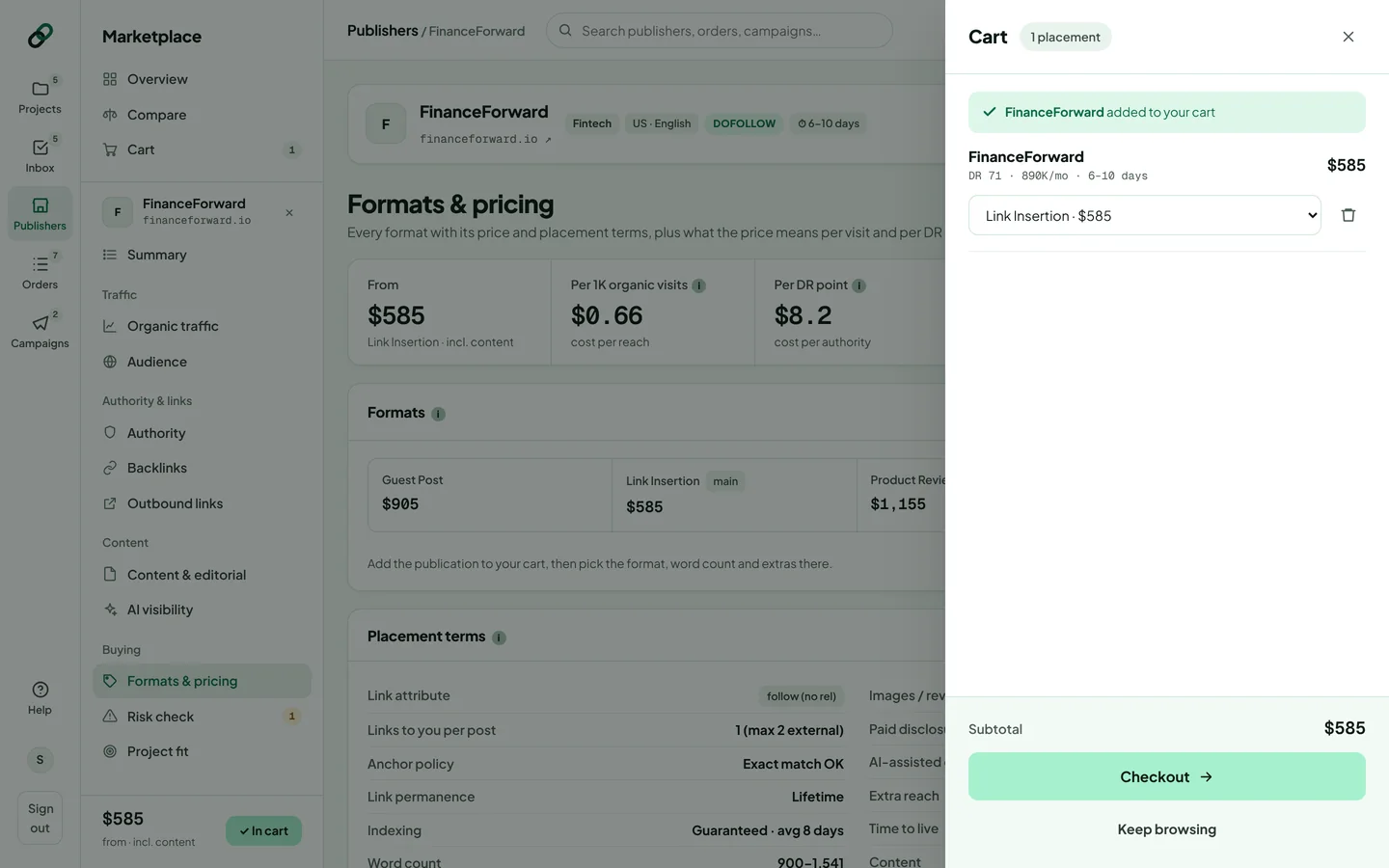
- Change the format with the dropdown under each item. The price updates straight away.
- Remove an item with the bin icon. Changed your mind? Click Undo within a few seconds.
- Click Checkout when you're ready, or Keep browsing to close the cart.
The cart button in the top bar always shows the number of placements and the running total. Click it to open the cart again; press Esc to close it.
Each publication can be in your cart once per order. To buy two placements on the same site (for example for two projects), place the first order, then add it again.
Your cart is kept in this browser tab, including through a page reload or your bank's 3-D Secure check. It isn't shared with other tabs, devices or teammates, and it empties when you close the tab.
Thanks for letting us know.
Sorry about that. Tell us what was missing at hello@rankticker.com and we'll improve it.