Upload your article
Attach the article you wrote to an order as a Word (.docx) file or PDF, replace it, and what happens after.
If you ticked I'll supply the article at checkout, the order waits for your content. You'll see an Upload content task in your Inbox.
Open the order (from the Inbox, click Upload). Under Your content, click Choose a file.
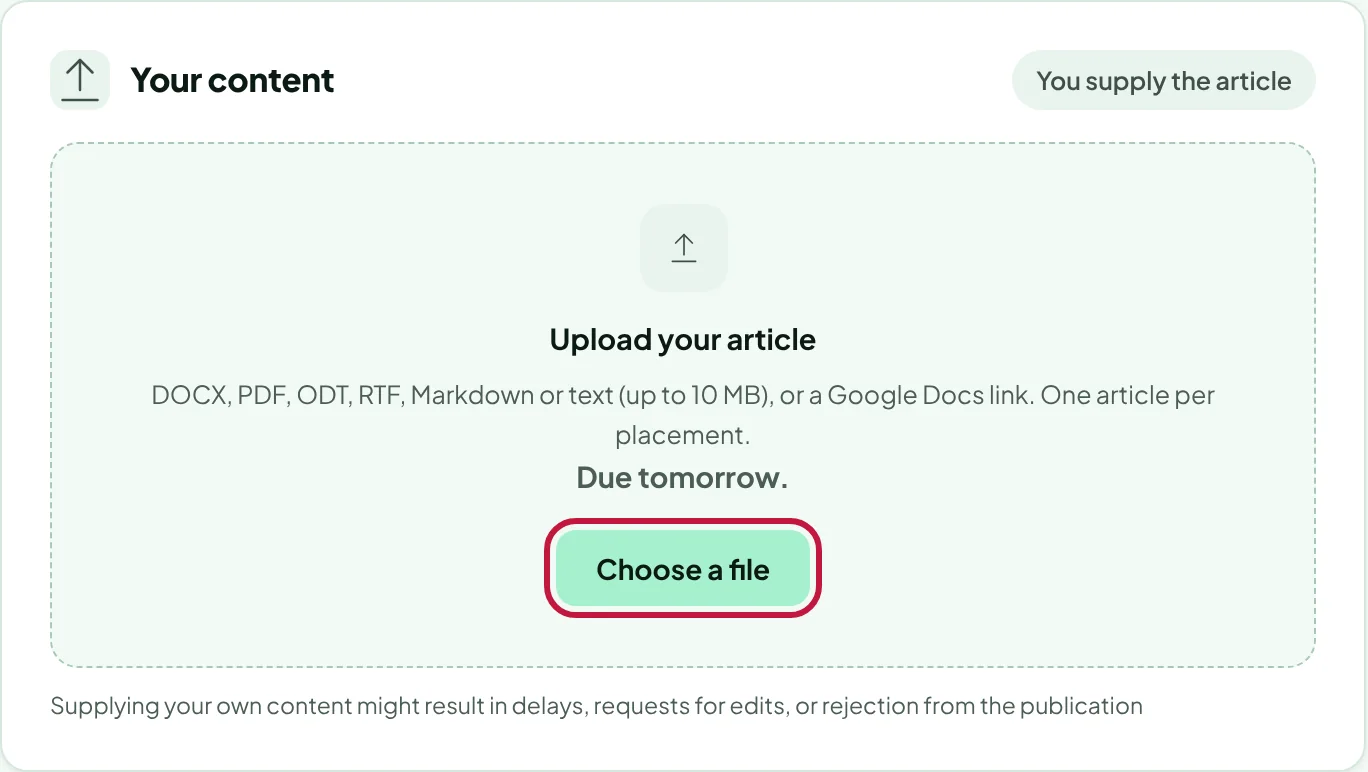
Pick the file.
- Accepted files: Word (.docx) or PDF, up to 10 MB. Older .doc files: open them in Word or Google Docs and save as .docx.
- Writing in Google Docs? Use File → Download → Microsoft Word (.docx) and upload that file.
- One article per placement.
Click Attach content. We check the file, the task disappears from your Inbox and the order moves on to editor review.
Replace or download it
The attached file appears on the order with its name, date, who uploaded it and its size. Click Download to open it, or Replace to upload a new version. A new version goes back to editor review. Once the order is with the publisher, the file can't be replaced; comment on the order instead.
Why a file can be refused
Every upload is checked before we store it. To keep your account, our editors and our publishers safe, we refuse files that carry anything that could run or reach out to the internet:
- Word files with macros, ActiveX controls, embedded objects or files, or field codes that run commands (DDE).
- Word files that load a template or pictures from the internet. Insert pictures directly into the document.
- PDFs with JavaScript, attachments, forms, launch actions, embedded media, or password protection.
- Links that aren't normal web or email links (for example file:// or javascript:).
- Files that aren't what their name says, or that unpack to far more data than an article needs.
The message tells you what to fix. Usually saving again as a plain .docx, or exporting a fresh PDF from Word or Google Docs, solves it. Files can be up to 10 MB: compress or remove large images if needed.
Your article goes through our chief editor's guideline check before the publisher sees it. Hidden text, or instructions aimed at AI tools, is flagged to the editor and will be removed. Supplying your own content can lead to edit requests or rejection by the publication.
Thanks for letting us know.
Sorry about that. Tell us what was missing at hello@rankticker.com and we'll improve it.