Request a revision
Ask the writer for a round of changes, see how many revisions you have left, and what to do if you've used them.
Revision requests are available on orders that include revisions: 1 revision (+$19) or Unlimited revisions (+$49), chosen at checkout (see options). The order's Revision requests card shows what's included and how many you have left.
Wait for the first draft. You can request a revision once it's in.
Under What should change?, describe the changes. Be specific: which section, what's wrong, and what you'd like instead.
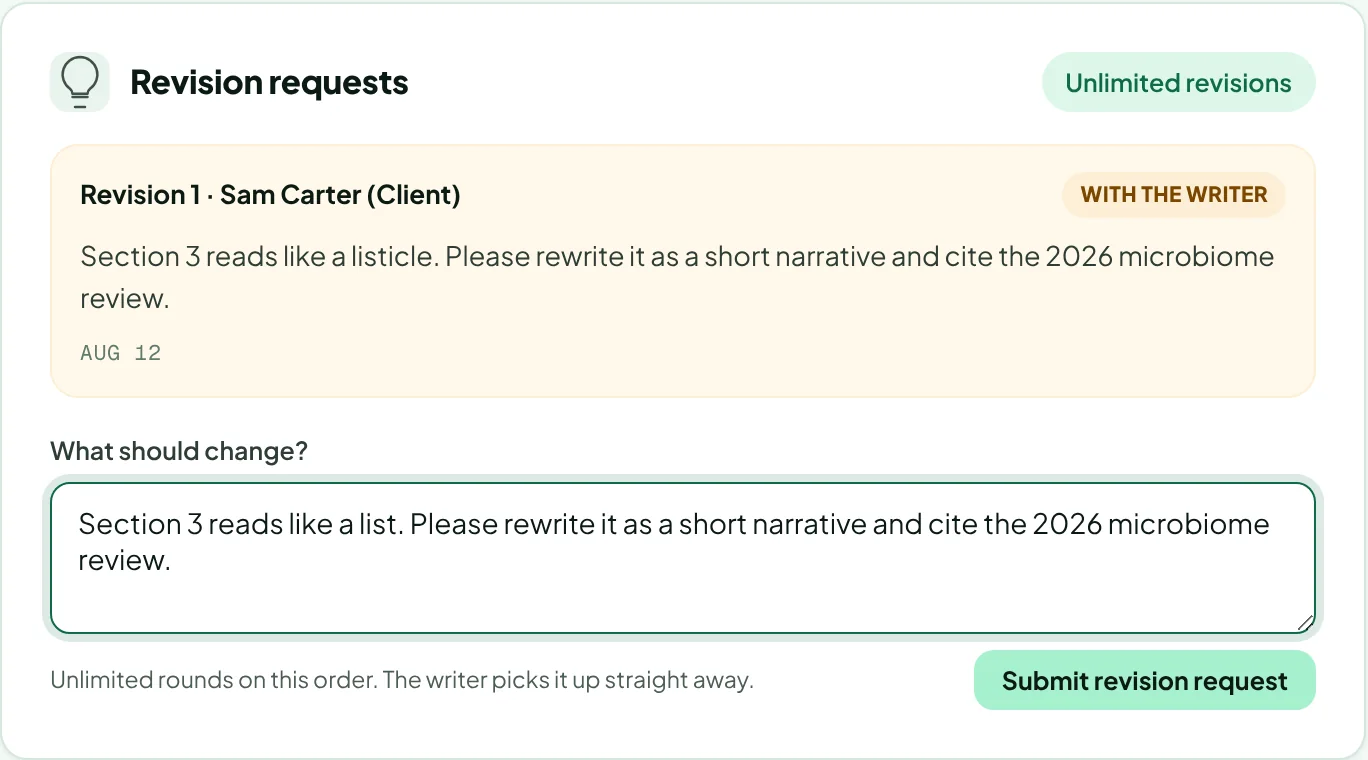
Click Submit revision request. The writer picks it up straight away. The request shows as With the writer until it's done, then Resolved.
Used your revisions?
Comments on the order still reach the writer and the publisher, so small fixes are usually still possible. A further rewrite would need a new revision add-on; email hello@rankticker.com with the order ID.
Revision notes can be up to 4,000 characters. If you have a lot to say, comment directly in the Google Doc as well.
Thanks for letting us know.
Sorry about that. Tell us what was missing at hello@rankticker.com and we'll improve it.