Create a campaign
Set up a campaign in four steps: goal, campaign settings (budget, brief, targeting, requirements, approvals), content options and review.
Click Campaigns in the sidebar, then New campaign. You can also start from a project's Campaigns tab: the builder opens with that project and goal already selected.
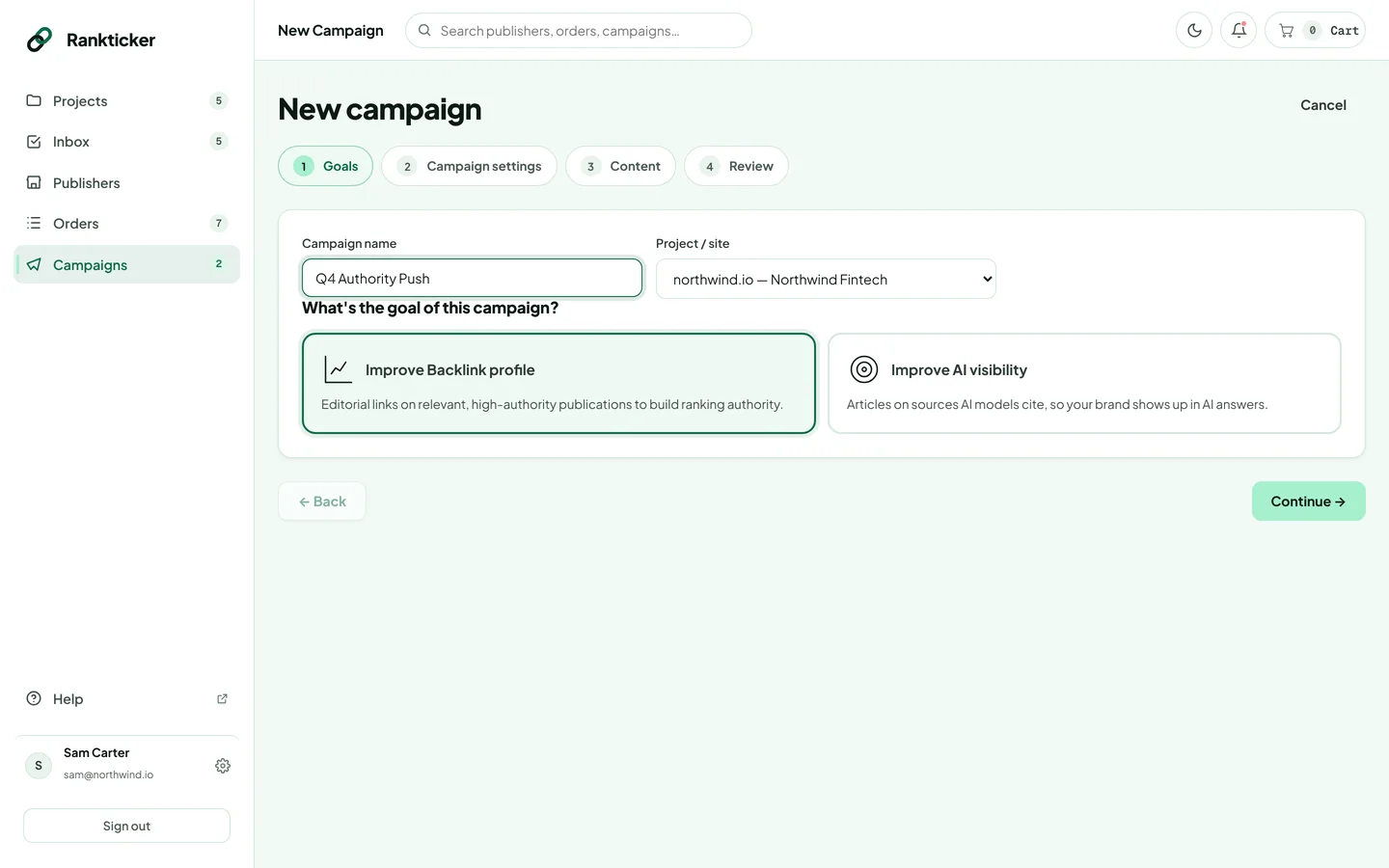
Step 1: Goals
Name the campaign, choose the project (the site you're building links to) and pick the goal: Improve Backlink profile or Improve AI visibility.
Step 2: Campaign settings
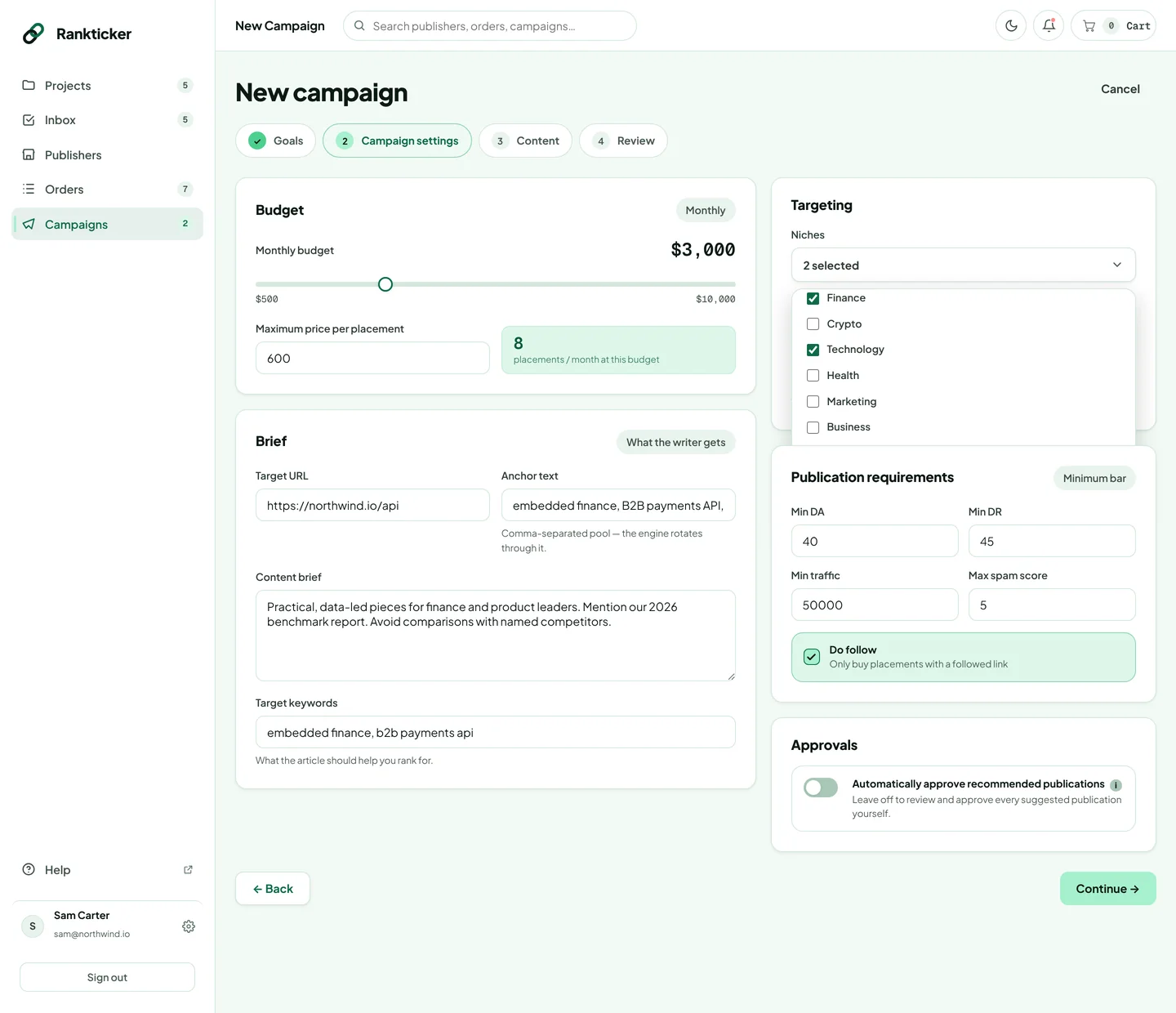
- Budget: drag the slider to set the monthly budget ($500 to $10,000) and enter the maximum price per placement. The estimate shows roughly how many placements a month that buys.
- Brief: the target URL; anchor text as a comma-separated pool (the engine rotates through it to keep your link profile natural); a content brief with the angle, must-mention points, tone and things to avoid; and the keywords the articles should help you rank for.
- Targeting: pick one or more niches and the country where the publication's audience should be.
- Publication requirements: the minimum DA, DR and organic traffic, the maximum spam score, and whether to buy dofollow links only.
- Approvals: switch on Automatically approve recommended publications to let the engine place its picks (Auto). Leave it off to approve each one yourself (Semi-auto).
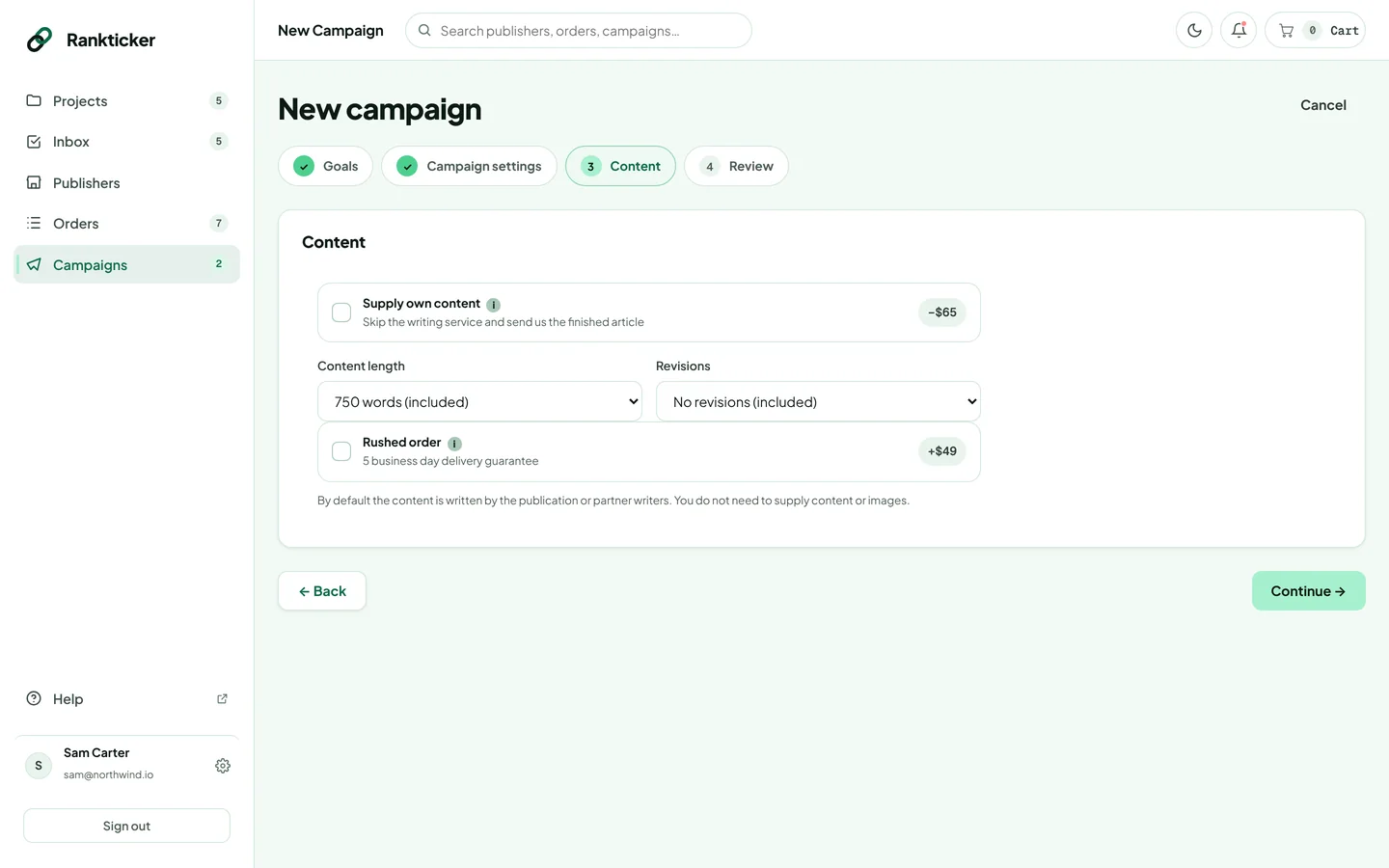
Step 3: Content
The same options as a single order: article length, revisions, rushed delivery, or supplying your own content. They apply to every placement. See content options and prices.
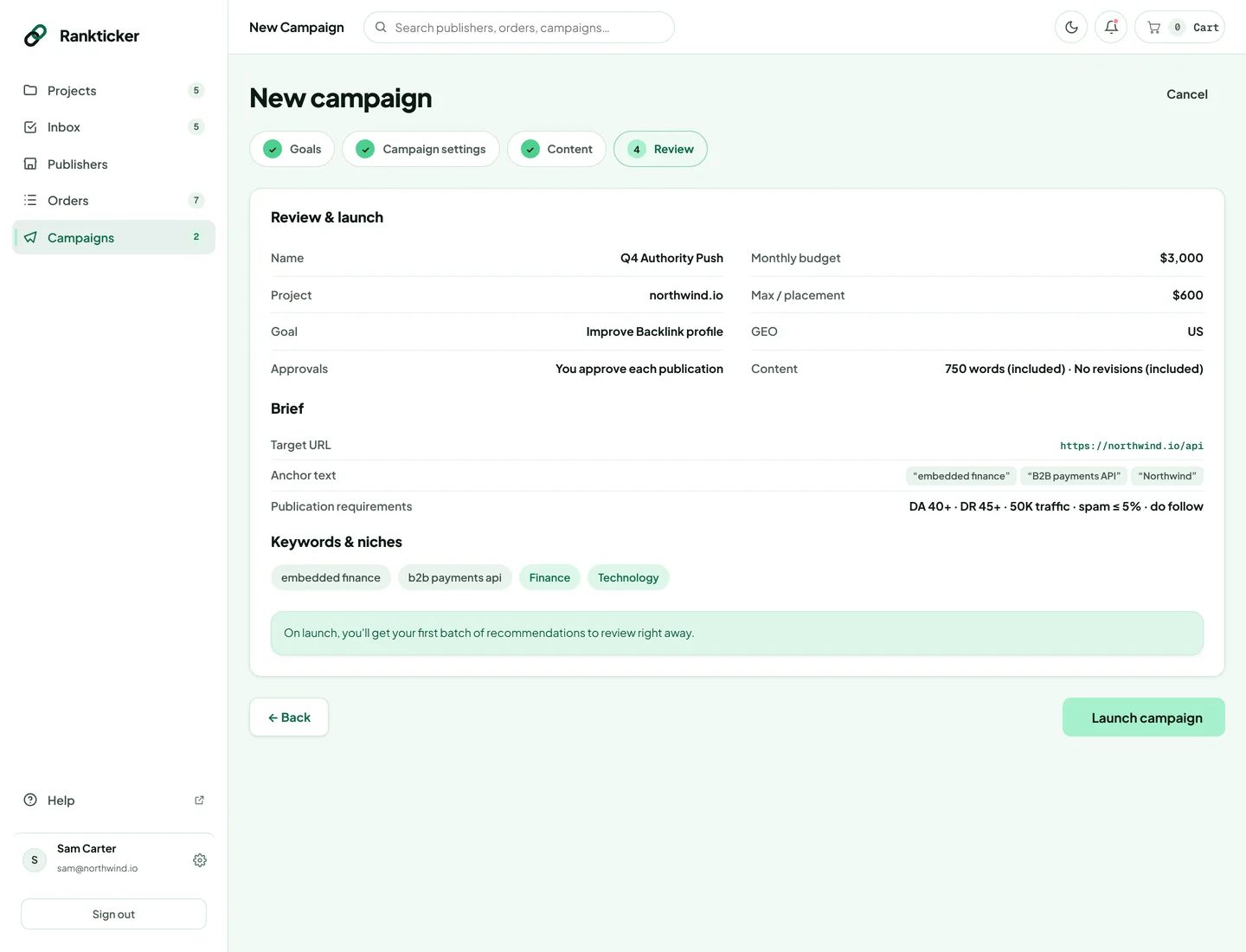
Step 4: Review and launch
Check everything on one page. Use ← Back to change anything, then click Launch campaign.
Once the campaign is running, Semi-auto campaigns show their first recommendations to review; in Auto the engine queues its first picks within budget.
Campaigns place and pay for orders on a monthly cycle, so they need billing set up. During early access we set this up with you: if you see “Add a payment method” when launching, email hello@rankticker.com and we'll get the campaign running.
Thanks for letting us know.
Sorry about that. Tell us what was missing at hello@rankticker.com and we'll improve it.