Change the competitors you're compared with
Add, remove or swap the up to five competitors that a project's rankings, links and AI visibility are compared with.
Every project is compared with up to five competitors. They drive the competitor medians, the link gap and AI share of voice, so it's worth keeping them accurate.
Open the project and stay on any of the Overview, Rankings, Backlinks or AI visibility tabs.
Click Edit competitors in the status line under the tabs.
Click Remove next to a site you don't want, or type a domain under Add a competitor and click Add. You can compare with up to five.
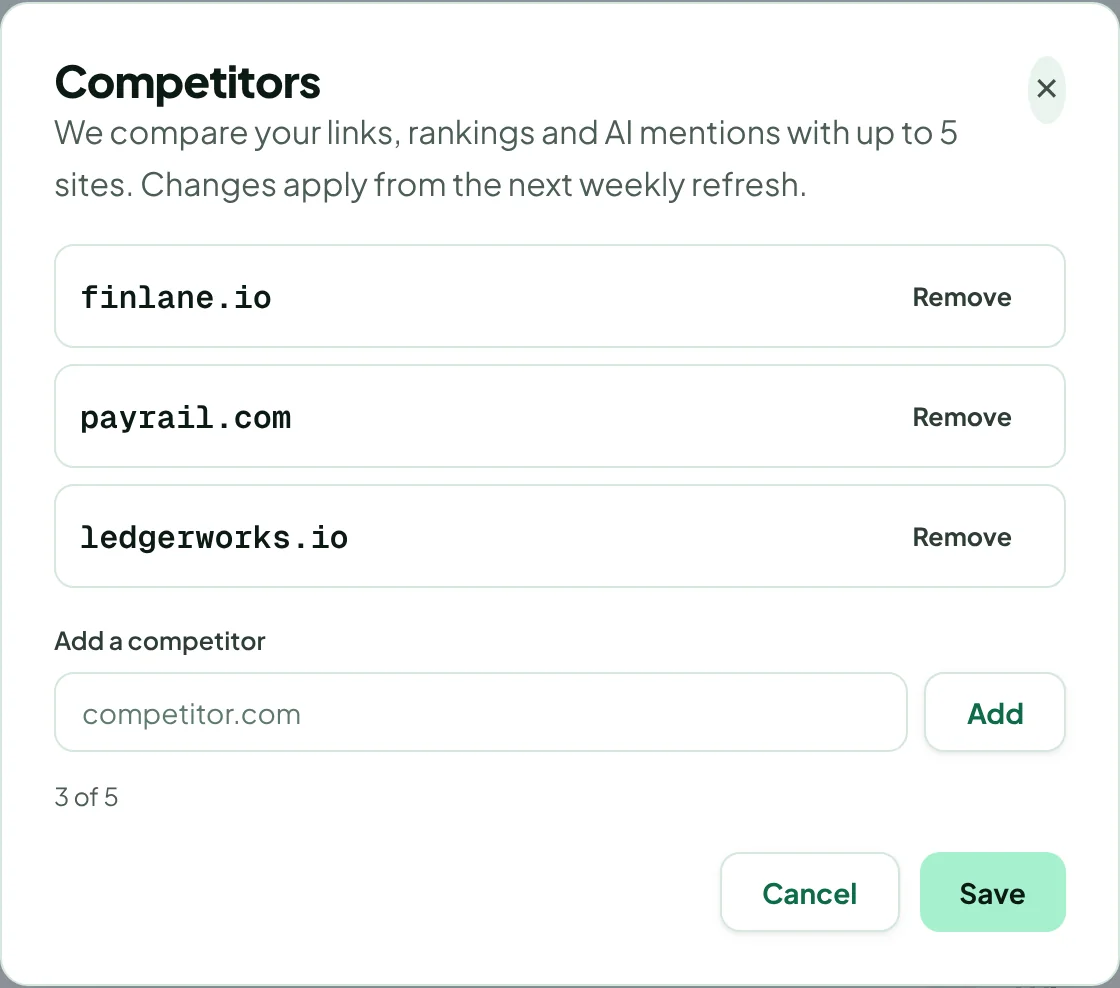
Click Save. The change applies from the next weekly refresh.
Pick sites that compete with you in search, not only in business. A huge brand that ranks for everything makes medians less useful than three sites of your own size.
Thanks for letting us know.
Sorry about that. Tell us what was missing at hello@rankticker.com and we'll improve it.